Where do I start?
Perhaps you’re just like me in September 2023 when I decided to find out more about how to teach English online as a total beginner. I had never taught English before but I knew that I had the capability to instruct someone in the language and to explain English concepts if I was ever asked to. Apart from the ability to express myself well in English, this is all the credential I had. If this sounds like you or you’re in an even better position than me then because you have some teaching experience and better yet, a formal teaching qualification but you don’t know where to begin then this is the right place for you to start. In this article, I will give you the 101 on how to start teaching English online in South Africa or from anywhere in the world.
What is teaching English online all about?

Welcome to the ESL industry – English as a Second Language. Simply put, teaching English online involves you sitting in front of your laptop, connected to a good internet connection and communicating with people all over the world. English is not their first language so they would like to learn, improve or maintain their English language skills. These people could be intermediate and advanced students or total beginners who don’t even know one word of English. Their age groups could vary just as much, from kids as little as 3 years old all the way to the elderly. Their English needs could cover a wide variety such as business English, travel English, exam preparations, job interview or just conversational English.
What do I need to teach English online?
Do I need a qualification to teach English online?
You definitely do not need a teaching qualification (or any other qualification for that matter) to teach English online however you do need to be fluent in English. You also need to be knowledgeable and tech savvy as you will be working online. Not needing a qualification to teach English online does not mean you should not upskill yourself. The ESL industry is quite popular and there’s high competition in the market so you have to distinguish yourself as much as possible and give yourself and advantage.
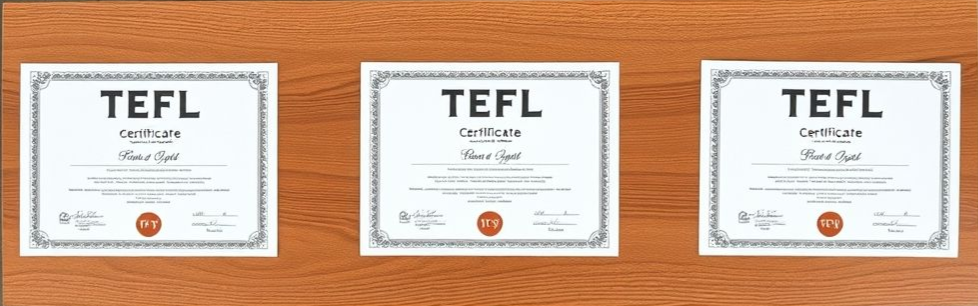
The first kind of training to consider is a 120 hour Teaching English as a Foreign Language (TEFL) course. This course will provide you with the necessary training to ensure that you provide your students with value. Most TEFL courses provide you with an accredited TEFL certificate which prove your competence so you can use this certificate to apply for most English teaching opportunities. Some TEFL companies like Teacher Records offer free courses while other companies like TEFL Universal offer paid courses. Another advantage you can have is a university qualification in any field as long as it was taught in English. This is to prove that you know academic English.
Which equipment do I need to Teach English online?
Technical specification
Computer or Laptop: A reliable computer or laptop with a webcam and microphone is essential for delivering online lessons. Make sure your device meets the technical requirements for the platform you’ll be using.
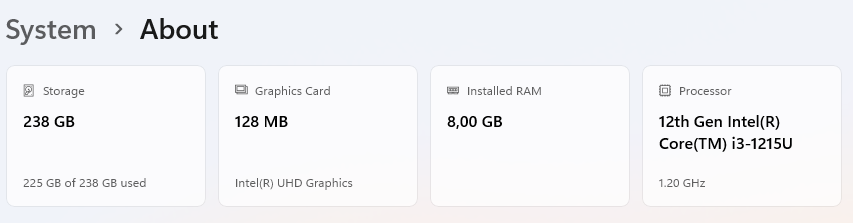
- Specifications: Ensure it has a reliable processor (i3 or equivalent and above), at least 8GB of RAM, and sufficient storage.
- Webcam: Integrated or external, with at least 720p resolution for clear video. Position the webcam at eye level for a more professional appearance.
High-Speed Internet Connection: A stable and high-speed internet connection is crucial for smooth video and audio communication during online lessons. Consider using a wired connection for better reliability.

- Speed: Minimum 4 Mbps for both download and upload speed; a wired connection (Ethernet) is more stable than Wi-Fi.
- Backup internet: Consider a mobile hotspot or backup internet plan in case your main one fails.
Headset or Earphones: Invest in a good quality headset or earphones with a built-in microphone to improve audio clarity and reduce background noise during lessons.
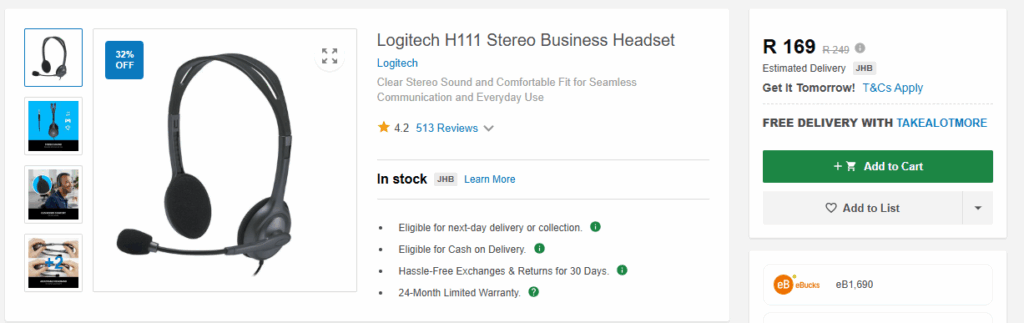
- Features: Noise-canceling microphone to reduce background noise.
- Comfort: Lightweight and comfortable for long sessions.
Backup Power Source: Consider investing in a backup power source such as a UPS (uninterruptible power supply) to prevent disruptions in case of power outages.
Backup video software: Have accounts on free video software/websites like zoom, Google meet and Teams. You can utilize them should you or the student struggle accessing the main platform you’ll be teaching on.
Teaching Materials: In cases where your main teaching platform is down, prepare digital teaching materials such as slideshows, worksheets, and interactive activities to supplement your lessons and engage your students effectively.
Environment
Good Lighting: Ensure you have adequate lighting in your teaching space to ensure your face is well-lit and visible to your students. Natural light or soft artificial lighting works best to avoid harsh shadows.
- Natural Light: Position yourself facing a window for natural light.
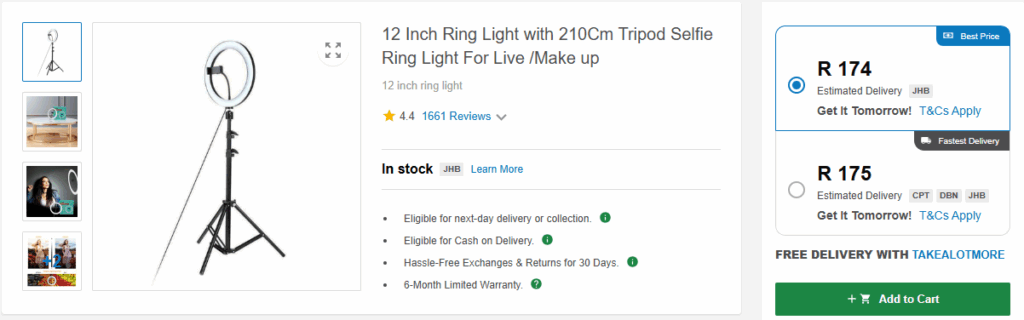
- Artificial Lighting: Use a ring light or soft box to ensure your face is well-lit and free of shadows.
Quiet and Distraction-Free Environment: Choose a quiet and distraction-free environment for your teaching sessions to minimize interruptions. This will ensure a conducive learning atmosphere for your students.
- Environment: Choose a quiet, distraction-free area with a clean and professional background.
- Setup: Ergonomic desk and chair for comfort during long sessions.
Which platform do I use to teach English online?
There are 3 main ways you can teach English online, it’s either through online teaching marketplaces, online teaching schools, being an independent online teacher or a combination of all 3.
| Online teaching platform | Online teaching school | Independent online teacher |
| You create a tutor profile and students book you directly. ✅ Examples: > Preply > iTalki > Cambly 🔹 Pros: – Easy to get started – You choose your availability and hourly rate – Platform handles payments and student bookings 🔹 Cons: – High competition – Platform fees (Preply takes 18–33%) | You are hired as a teacher and assigned students by the company. ✅ Examples: > VIPKid > EF (Education First) > Open English 🔹 Pros: – No need to find students – Pre-set curriculum provided – Reliable schedule and income 🔹 Cons: – Limited flexibility – You’re an employee or contractor with less control – Often require a degree or TEFL | You build your brand, create offers, and attract students independently. ✅ Tools You Can Use: > Zoom, Google Meet for lessons > Stripe, PayPal for payments > Calendly, Acuity for bookings 🔹 Pros: – Full control over pricing, curriculum, and schedule – Higher earning potential – Build your own brand 🔹 Cons: – You must handle all admin, marketing, and client management – Takes time to build a client base |
Conclusion
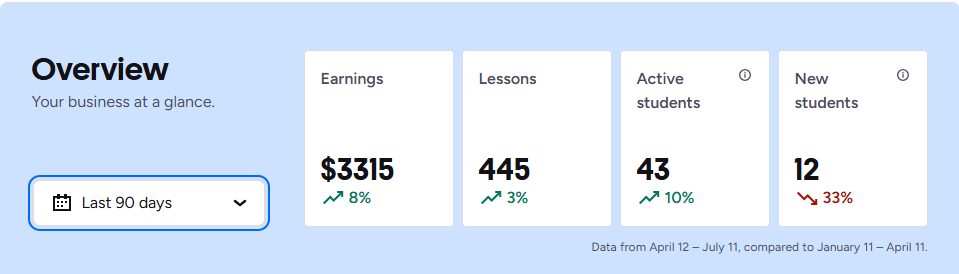
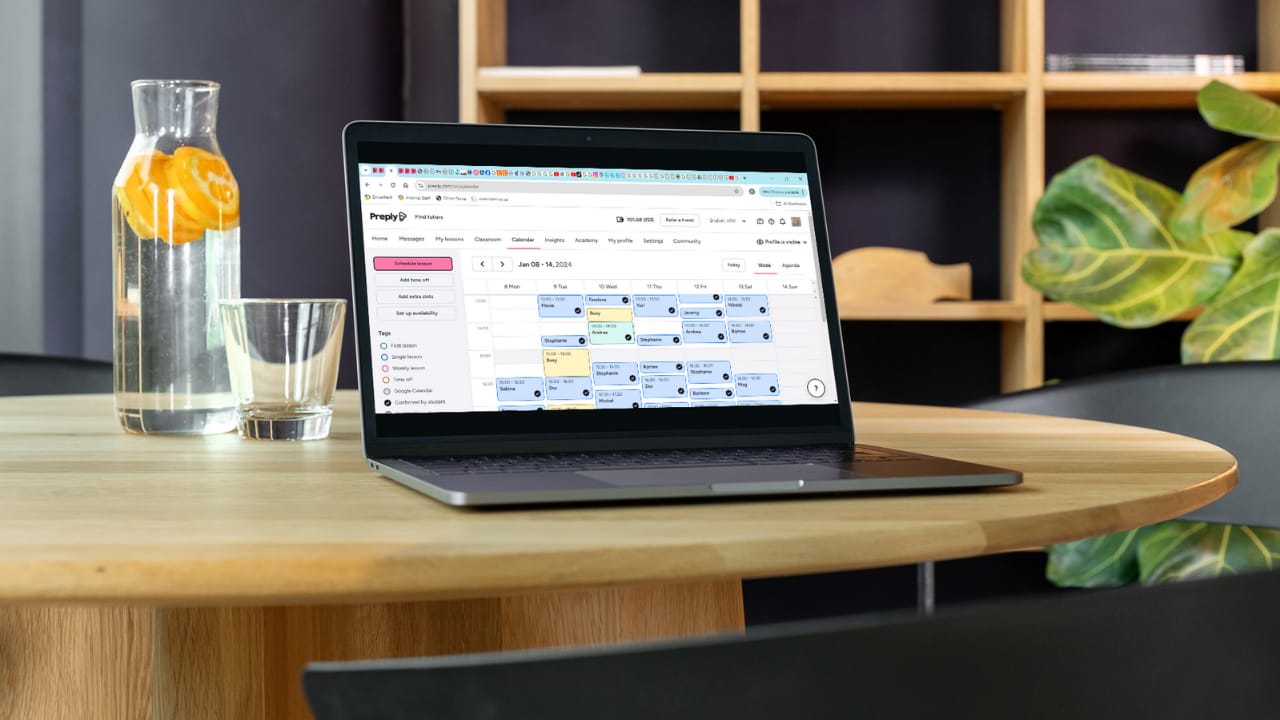
Personally I prefer and recommend Preply as a cost FREE platform to start with as beginner. You don’t need a university qualification to register your profile and you also don’t need a TEFL certificate. Preply has their own TEFL equivalent course called “How to Teach a Language” which you can take for FREE after you register your profile. They provide you with ready to use material so you don’t need to do your own lesson plans, all you need is the equipment listed above and your proficient English! Check this article out to get started How to get approved on Preply step 1: Things to prepare prior to registering on Preply.